Cinematic 3D animation
Rocket of Imagination
A young inventor launches a paper rocket through a warm, expressive animated world.
10 sec9:16 vertical
AI video and series studio
Plan with AI, keep characters consistent, direct every scene, and publish one clip or a complete series.
Three visual styles
These Base videos were created in PixelGenie. Each started with an AI script and a generated scene image.
Cinematic 3D animation
A young inventor launches a paper rocket through a warm, expressive animated world.
Anime adventure
A sky courier races across a floating city to catch one glowing paper crane.
Retro cartoon
A cheerful diner robot serves a crescent pancake in a hand-inked 1950s world.
From prompt to publish
Describe one clip or a complete series. AI prepares the episodes, speakers, and scenes.
Choose characters, reference images, dialogue, camera movement, duration, and quality.
Assemble each episode, play the series in order, download it, or share a public link.
Series playback
Keep episodes together, then let viewers play them in order.
Four connected episodes
Choose any episode. The same series keeps its story, visual direction, and cast references together.


Character continuity
Store character references with the series. PixelGenie links selected identities to each scene image.
AI image studio
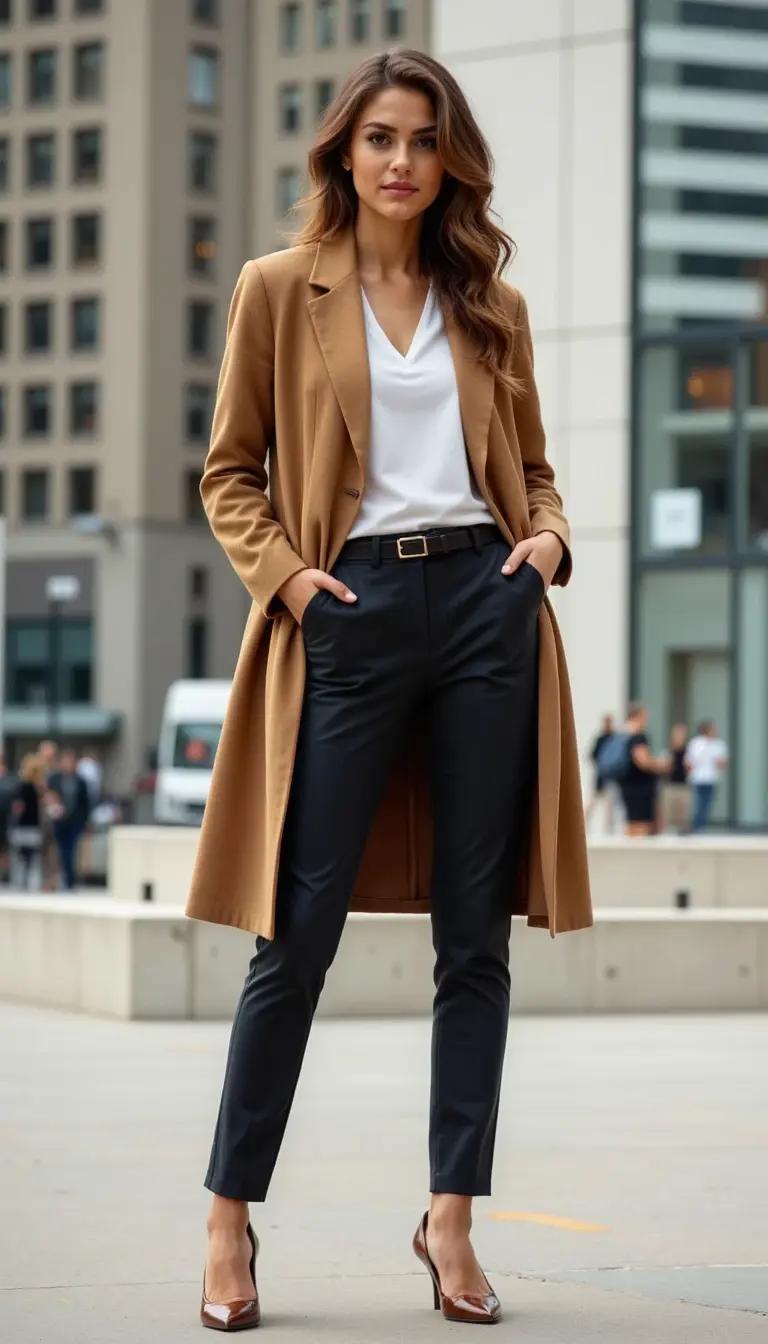
Create portraits, product visuals, and campaign concepts. Save each image for future videos.



Questions
Yes. Create one short clip, or connect several scenes into one finished video.
Yes. Add named character references once, then reuse them across scenes and episodes.
Yes. Each scene shows its duration, quality, and estimated video credits before generation.
Yes. Create a public playback link or download the completed episodes.